


Price: $23.99 - $22.79
(as of Oct 21, 2026 08:50:09 UTC – Details)
Product description
The video showcases the product in use.The video guides you through product setup.The video compares multiple products.The video shows the product being unpacked. UGREEN FineTrack Smart Finder

 Find Items Anywhere
Use the power of Find My to instantly find your items, with the help of millions of Apple Devices.

 Hear a Room Away
SmartTracker Card is so loud, you’ll hear it even when it’s covered, or when you’re in another room.


1 Global Tracker
2 2-Year Life
3 Loud Alarm
4 Left-Behind Remind
5 Anti-tracking


1 Secure Your Valuables
2 Small Size


1 How to connect the device
2 How to replace a battery
3 Compared with other
UGREEN FineTrack Q & A
Q1 Why doesn’t anything happen when I press the button on the UGREEN FineTrack for the first time? A1 The insulation film must be removed first. Once removed, the product will automatically power on with a beep and indicator light. Q2 Why doesn’t the tracker update its location in a timely manner, or why has it not updated for a long time? A2 The tracker works by broadcasting a signal to nearby Apple devices, which then encrypt and upload the data to Apple’s Find My network. This process does not support real-time updates and depends on the density of nearby Apple devices and the update frequency of Apple’s system. In areas with low Apple device coverage, update speed will be slower Q3 Which devices are supported for pairing with the tracker? A3 Supports pairing with iPhone/iPad. A single iPhone/iPad can pair with up to 32 trackers. Not compatible for pairing with MacBook, but MacBook can still view the tracker location in the Find My App. System requirements: iOS 14.5 and above / iPadOS 14.5 and above / macOS 12.5 and above. Q4 Why can’t I add the UGREEN FineTrack to the Apple Find My App? A4 Check that your iPhone/iPad meets system requirements, Bluetooth is on, and your network is working properly. Factory reset: While powered on, quickly press the button 5 times. After hearing 3 consecutive beeps, press and hold the button for 6 seconds until 2 beeps are heard. Open the Find My App and follow the steps to add it again. Q5 How to rebind an already added tracker to another iPhone? A5 Method 1: If iPhone 1 and the tracker are nearby, use iPhone 1’s Find My App to select “Remove Item”. The tracker can then be paired with iPhone 2. Method 2: If iPhone 1 and the tracker are far apart, first use iPhone 1 to remove the tracker in the Find My App. Then perform a factory reset: press the button quickly 5 times, hear 3 beeps, then press and hold for 6 seconds until you hear 2 beeps. The tracker can now be used with iPhone 2. Q6 What is the “Find My” App? Can Android users use UGREEN FineTrack? A6 No, UGREEN FineTrack only supports Apple devices and is not compatible with Android. “Find My” is a pre-installed app on Apple devices (used by millions of people daily to locate items). Q7 Does this tracker support Apple’s Precision Finding like AirTag? A7 This tracker does not support precise positioning because Apple does not provide access to UWB technology. It can track the item and play sounds in the Find My app, but it does not support directional guidance or arrow tracking.
UGREEN FineTrack:The World’s First Tracker Superstore.
Add to Cart
Add to Cart
Add to Cart
Add to Cart
Add to Cart
Customer Reviews
4.4 out of 5 stars 4,467
4.4 out of 5 stars 1,826
4.3 out of 5 stars 3,407
4.4 out of 5 stars 185
4.3 out of 5 stars 604
4.6 out of 5 stars 591
4.3 out of 5 stars 7,464
Compatible systems
iOS Only
iOS Only
iOS & Android
iOS & Android
iOS Only
iOS Only
iOS Only
Battery Life
24 Months
12 Months
12 Months
12 Months
7 Years
7 Years
24 Months
Charging Type
Replaceable Battery
USB-C Charging
USB-C Charging
USB-C Charging
Magnetic Chagring
Disposable Batteries
Replaceable Battery
Battery
CR2032, replaceable
Li-MnO2, non-replace
Li-ion, non-replace
Li-ion, non-replace
Li-MnO2, non-replace
Li-MnO2, non-replace
CR2032, replaceable
Works with App
Apple Find My
Apple Find My
Find My&Find hub
Find My&Find hub
Find My
Apple Find My
Apple Find My
Features
UL 4200A Certified
UL 4200A Certified
UL 4200A Certified
UL 4200A Certified
UL 4200A Certified
IP68, Fluorescent Design
UL 4200A Certified
Accessories
Lanyard,Pin,Sticker
Lanyard, USB-A Cable
Lanyard, USB-A Cable
Lanyard, USB-A Cable
Lanyard,Pin,Sticker
Hanging rope
Lanyard,Pin,Sticker
Size
36×36×7.4mm
36×36×9mm
36×36×9mm
35.8×39×8.5mm
84.6×53×2.6mm
39×39mm
36×36×7.4mm
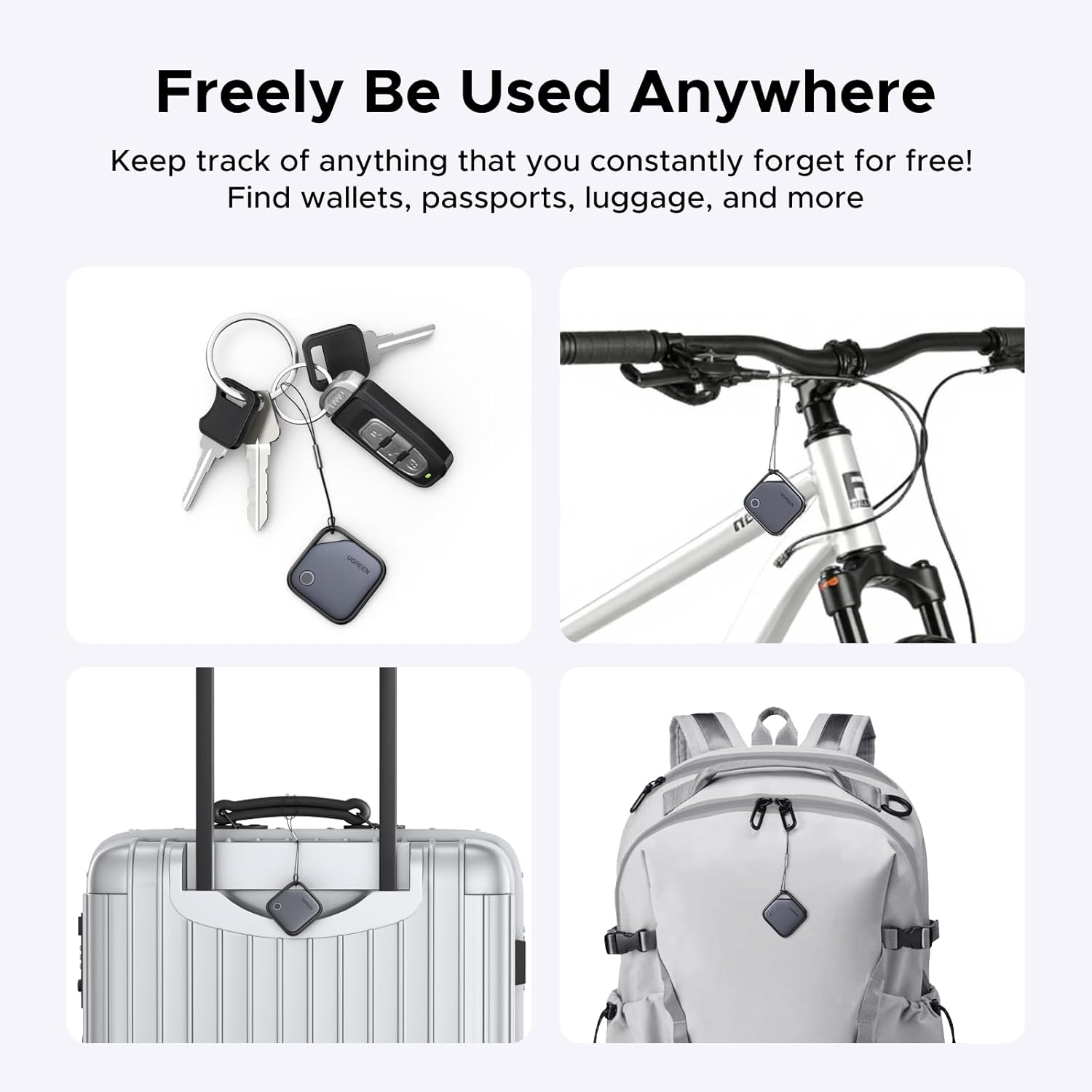
Easy Find Item with Apple Find My: Quickly pair the FineTrack tag with your iPhone or iPad in just one tap. Using the pre-installed Find My app, add the Air Tracker tag to the Items tab to instantly locate and track your keys, wallet, and other valuables
Find It Far Away,Hear It Nearby: When it’s farther away, check the Bluetooth Air Tracker Tag’s latest location and use in-app directions to help navigate to your missing item.When your tracker tag is nearby, simply tap Play Sound in the Apple Find My to activate the powerful 100dB alarm and quickly pinpoint your belongings
2-Year Battery Life & Safety Certification: Keep your essentials tracked with UGREEN’s 4-pack Bluetooth tracker tags, featuring a replaceable battery that lasts up to 2 years. When the battery runs out, simply replace it instead of replacing the entire tracker.A cost-effective, eco-friendly choice that helps reduce electronic waste. Designed with UL 4200A-compliant battery safety features for added peace of mind
Lost Item Alerts & Lost Mode: Forgot your camera or keys? When your Air Tracker Tag moves out of range,the app sends a lost alert with the last known location. If your Tag is confirmed lost, you can activate Lost Mode and leave your contact information so nearby Apple devices can remotely access it and help locate your tracker, making recovery quick and easy
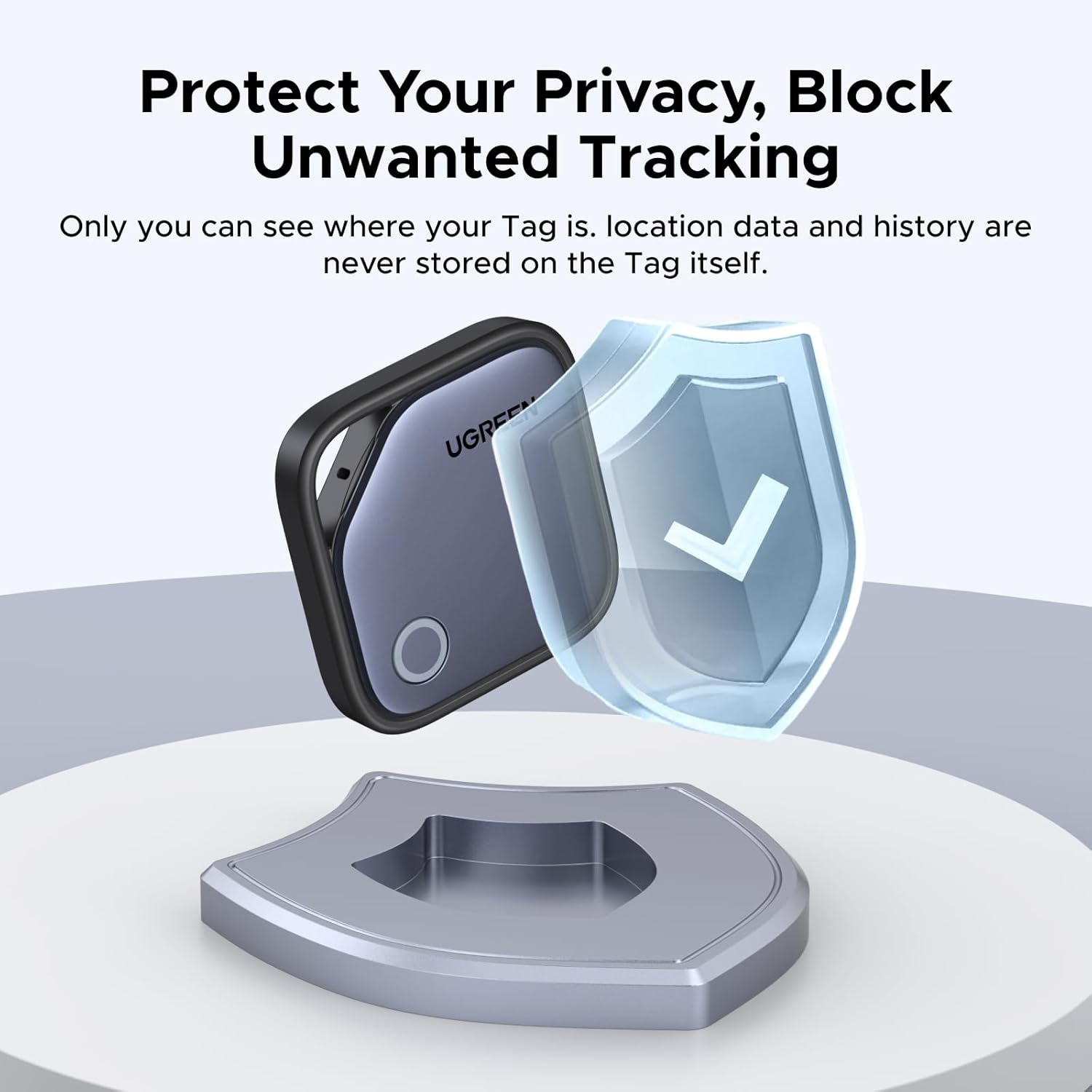
Your Privacy, Fully Protected: Certified by Apple MFi, this Bluetooth Air Tracker Tag uses end-to-end encryption to keep your location data private and secure. All communications are anonymous and encrypted, and no location data is stored on the device. Even if your item is lost, your information remains protected and cannot be accessed without your permission — not by Apple, the manufacturer, or any third party.
Tips:①Connection Notes:Do not select “Add AirTag.” Please select “Other Supported Item”and Complete the operation ②Connection Issues: If the Key tracker cannot connect, it may already be linked to another Apple Account. Ask the previous owner to remove it from their account before attempting to pair it with a new account.③Android devices are not supported. MacBook users can view FineTrack’s location information on macOS, but cannot pair the tracker directly with a MacBook